
Transcribe a YouTube video to text
Turn official captions into readable text in a youtube transcript panel beside the player—no shrinking the video.
Transcribe a YouTube video to text from official captions—copy the transcript, seek by line, and keep the player full width.
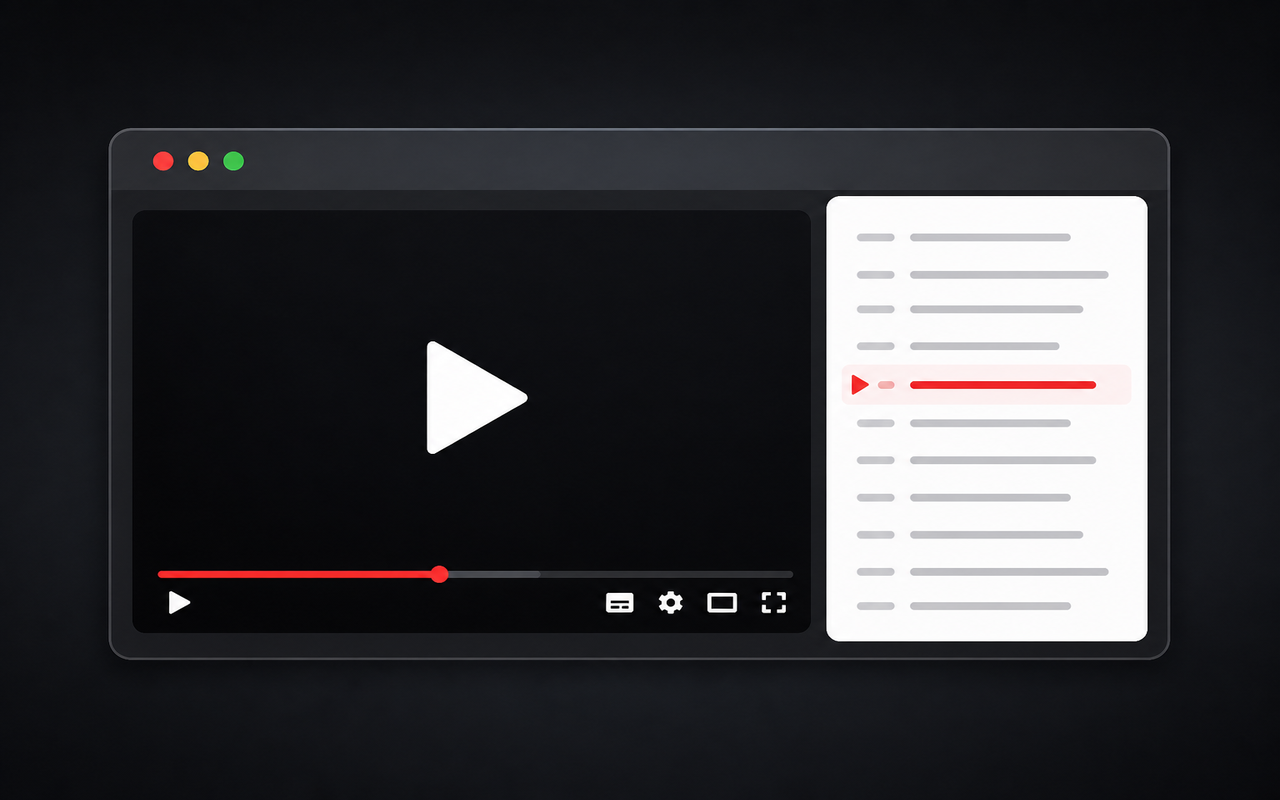
Built for focused viewing
Turn official captions into readable text in a youtube transcript panel beside the player—no shrinking the video.
Install this free youtube transcriber as a Chrome extension and keep transcripts on the watch page, not in a separate side panel.
Copy transcript text in one click, or copy with timestamps when you need notes you can paste into docs.
Click a line in the transcript to jump the player to that moment and follow along without rewinding by hand.
Load the transcript automatically when you open a new watch page, or keep loading on demand.
Works as a youtube transcript tool for videos that expose a caption track—it does not invent dialogue when none exist.
Simple by design
A focused browser extension for reading, copying, and navigating the captions YouTube already provides.
Chrome Web Store
“I can keep the lecture full-size while following the transcript.”
“Copying text with timestamps makes source notes much easier to revisit.”
“Jumping from a caption line to the exact moment saves repeated rewinding.”
Three quick steps
Add this free youtube transcript chrome extension from the Chrome Web Store and pin it for quick access.
Go to a desktop YouTube video that has captions so the panel can load a transcript.
Follow the text beside the player, copy the YouTube transcript, or click a line to jump to that timestamp.
Answers before you install
Install youtube transcriber from the Chrome Web Store, open a desktop watch page with captions, and read the in-page panel. Copy plain text or copy with timestamps when you need a transcript you can paste elsewhere.
Many videos include auto-generated or uploaded captions. This extension surfaces that caption track as text. If YouTube has no captions for a video, the panel cannot invent a transcript.
Open the video on youtube.com in Chrome, wait for the panel to load (or turn on Automatic), then use Copy or Copy + time. That is faster than hunting through YouTube’s native transcript drawer.
Yes. The Chrome extension is free to install from the Chrome Web Store. There is no separate paid transcription cloud for your videos.
It works when YouTube provides a caption track the extension can read. Music uploads without captions, some live streams, and some rights-restricted videos may show an empty or error state.
No. It reads captions YouTube already exposes in the page. It is a transcript tool and chrome extension for watching and copying—not an upload-and-transcribe AI product.
Transcript extraction runs in the page you opened. See the Privacy Policy for details about optional analytics and error reporting.
The panel targets desktop watch pages. Mobile layouts are not currently optimized for the right-column experience.